
With this collection, we bring you something new: you can now experience these two routes with an audio guide. A voice-over during the route provides more information about the places you cycle past. This way, you experience these iconic locations in a new way and might even learn a few new facts. Would you prefer to cycle the route without an audio guide? That is, of course, also possible. When you start the route, you will first enter a menu where you indicate whether you want to cycle the route with or without an audio guide.
For the best impression, you can watch the video above. But we're also highlighting two routes for you.
Rijksmuseum
The Rijksmuseum remains one of the most iconic places in the Netherlands. Nowhere else do you get this close to the masters of the Dutch Golden Age: from Rembrandt's imposing Night Watch to Vermeer's intimate still lifes. During this route, you don't just "cycle" past the famous paintings, the audio guide also takes you through the story behind these works.
The Great Wall of China
The Great Wall of China is one of the largest structures ever built by human hands. The wall winds for thousands of kilometers through the Chinese landscape, over mountain ridges and through deep valleys. The audio guide tells you about the emperors who had it built, the soldiers who spent their lives there, and the stories that survive to this day. This route is not just a ride, you literally step into history.
Please note: these routes are only available with the latest software version 5.10.0.
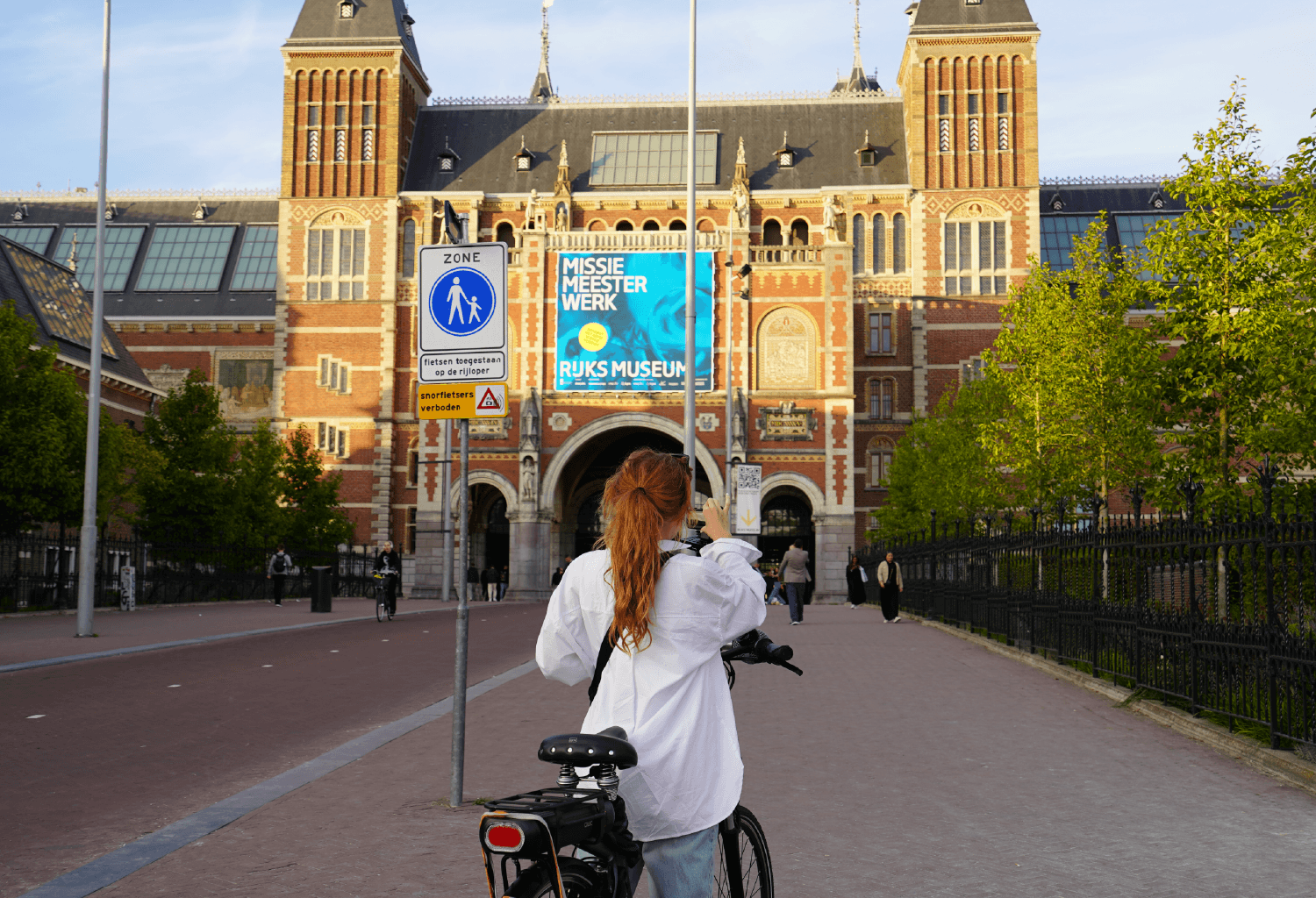
Discover two new audio guide routes:
- Rijksmusuem - The Netherlands
- The Great Wall - China
Downloading routes
Haven’t downloaded a route before? We’ll walk you through it. Go to your Bike Labyrinth and make sure you have a mouse connected. Go to Settings by clicking on the gear icon in the top right corner of the screen. Make sure you have the latest version of Bike Labyrinth before you start downloading new routes. You can find your current version on the bottom right. Don’t have version 5.10.0? Update by clicking on Update. On this page you can also check if you are connected to the internet. Still offline? Connect Bike Labyrinth to the internet first. Once your Bike Labyrinth is online you can click on the button Check for update. If an update is needed you can now click on Install update. Now you can download new routes without a worry.
Continue downloading routes by returning to Settings. Next, click on Downloads. If your Bike Labyrinth is online you will see an overview of routes that are available for download. Need a bit more help? Check our instruction video with subs here.


2516 BE The Hague, NL
info@bikelabyrinth.com
+3170 737 1152